
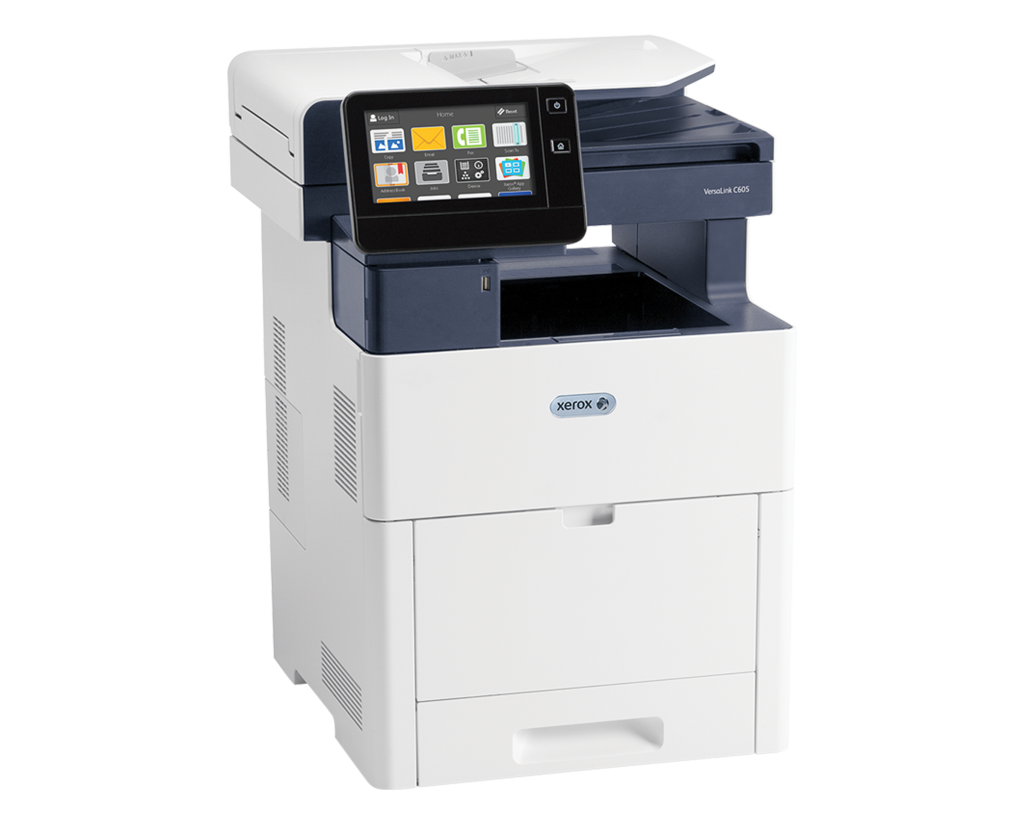
Choosing the right copier lease begins with understanding the copier lease page per minute vs. volume because print speed and monthly workload directly affect lease costs, equipment reliability, and long-term productivity. Many businesses in Utah assume a faster copier is always the better choice, but the best lease balances print speed with the number of pages the machine is built to produce every month. By understanding copier lease page per minute vs volume, organizations can avoid paying for unnecessary performance while reducing service calls and improving overall return on investment.
Businesses that compare specifications without understanding how they work together can easily select the wrong equipment. Some organizations lease oversized copiers that never reach their potential, while others overload smaller devices beyond their intended workload. This guide explains the differences, clears up common misconceptions, and provides practical advice for choosing the right lease tier.
What Does Pages Per Minute (PPM) Mean on a Copier?
Pages per minute, commonly called PPM, measures how many pages a copier can print in one minute under standard testing conditions. Although this number represents printing speed, it also provides insight into the machine’s internal design and its ability to support continuous office workflows. Understanding PPM helps businesses compare equipment before signing a lease.
Typical PPM Recommendations
| Business Environment | Recommended PPM | Best Fit |
| Home Office | 20–25 PPM | Light daily printing |
| Small Business | 25–35 PPM | General office documents |
| Medium Office | 35–50 PPM | Multiple users and moderate workloads |
| Large Office | 50–70+ PPM | Continuous printing and shared departments |
Key takeaway: Higher PPM improves productivity during busy periods, but it should always be evaluated alongside monthly print volume when selecting a copier lease.
Another common question is whether slower print speeds produce better print quality. In most modern copiers, print quality depends on resolution, toner technology, and imaging systems rather than speed alone, so a slower device does not automatically create sharper documents. Likewise, when comparing IPM (Images Per Minute) and PPM, businesses should remember that IPM measures scanned images while PPM measures printed pages, making PPM the more useful specification when evaluating copier leases.
What Is the Difference Between a Copier Lease Page Per Minute vs Volume?
Quick Answer: PPM answers “How fast can it print?” while the monthly print volume answers “How much can it safely print over time?” The best copier lease considers both specifications together rather than treating them as competing features.
The difference between copier print speed and monthly volume limit also becomes important when evaluating lease agreements. Speed determines how quickly employees receive printed documents, while monthly volume determines how much work the copier can consistently perform before maintenance becomes more frequent. Businesses that understand the difference between copier print speed and monthly volume limit are better equipped to select equipment that balances productivity, durability, and long-term operating costs.
Which Is More Important When Leasing a Copier: Speed or Volume?
Lease providers also consider Recommended Monthly Print Volume (RMPV) instead of the maximum duty cycle when placing customers into equipment tiers. The duty cycle represents the highest number of pages a copier can produce under ideal conditions, but operating near that limit every month increases wear and shortens component life. Because of this, lease pricing, maintenance schedules, and service agreements are typically built around the recommended monthly operating range instead of the maximum capacity.
When Speed Matters Most
- Busy reception areas
- Schools and universities
- Healthcare clinics
- Legal offices preparing large case files
- Businesses with frequent walk-up printing
When Monthly Volume Matters Most
- Accounting firms during tax season
- Insurance agencies
- Distribution and logistics companies
- Manufacturing offices
- Organizations printing thousands of pages each month
Simple Decision Framework
- Calculate the average number of pages printed each month.
- Identify peak printing periods throughout the year.
- Estimate how many employees print simultaneously.
- Compare those numbers with the copier’s recommended monthly volume.
- Select a PPM rating that supports productivity without exceeding the budget.
Following these steps makes it easier to compare copier models, understand lease tiers, and avoid common purchasing mistakes. Businesses that evaluate both speed and workload instead of focusing on one specification are more likely to choose equipment that delivers dependable performance, lower maintenance costs, and better long-term value.
Common Copier Leasing Mistakes That Cost Businesses Money
One of the most common mistakes businesses make is assuming that faster equipment automatically delivers better value. In reality, leasing a high volume vs high speed office copier without sufficient monthly demand often results in higher lease payments while much of the machine’s capacity remains unused. Matching equipment specifications to actual business needs usually provides a better return on investment than simply choosing the fastest model available.
Common Leasing Mistakes to Avoid
- Choosing equipment based only on the monthly payment.
- Ignoring recommended monthly print volume.
- Confusing duty cycle with everyday operating capacity.
- Underestimating future business growth.
- Failing to calculate monthly printing before signing a lease.
- Overlooking maintenance and service coverage.
- Selecting speed without considering long-term workload.
Copier Lease Decision Checklist
Before signing a copier lease, businesses should confirm the following:
- ✓ Calculate the average monthly print volume.
- ✓ Identify peak printing periods throughout the year.
- ✓ Choose a PPM rating that matches workflow demands.
- ✓ Compare the recommended monthly print volume instead of relying only on the duty cycle.
- ✓ Review included monthly page allowances and overage charges.
- ✓ Consider future business growth when selecting equipment.
- ✓ Verify that maintenance and repair services are included in the lease.
Following this checklist helps organizations select equipment that balances speed, durability, and operating costs while reducing the likelihood of unexpected repairs or expensive lease upgrades.
Balance PPM and Monthly Volume for Long-Term Savings
The relationship between print speed, durability, and lease pricing is often overlooked during the buying process. A faster copier generally includes a stronger engine, higher-capacity consumables, and components designed for continuous workloads, while a lower-speed model may be perfectly suited for offices with lighter printing needs. Understanding the difference between copier print speed and monthly volume limit allows decision-makers to select equipment that supports both current operations and future growth without paying for capacity they will never use.
Whether the office needs a compact multifunction printer or a high volume vs high speed office copier, Clear Choice Technical Services provides expert guidance from the initial consultation through installation and ongoing support. The team can explain lease options, recommend the right equipment tier, and help businesses avoid costly mistakes before signing an agreement.
For a free quote or to schedule a free copier demonstration, call Clear Choice Technical Services today at (801) 623-6518. The team is ready to help businesses choose reliable copier solutions that improve efficiency, reduce downtime, and deliver lasting value for every office.